Tabbed sessions per day.
One file, one event. Day 1, Day 2, breakouts, rehearsals — each on its own tab. No more “v17_FINAL_use-this-one.xlsx”.

Overture replaces the brittle Excel run-of-show with a real tool. Built for the producers, stage managers, and crew who keep general sessions on time.
If this sounds familiar
Every cell time references the cell above it. Insert a row, add three minutes — and the sound check at 6:00 pm now starts at 11 pm. Half your timing is wrong and you don’t know which half.
Print at 11. Update the deck at 11:30. Hand a stale rundown to lighting, audio, and video — three teams running three different versions of your show. Welcome to merge conflicts in real life.
“Need captions confirmed,” written in a yellow comment in cell K47. Found by no one. Caught by the client. The kind of detail that sinks an otherwise tight show.
What Overture does
One file, one event. Day 1, Day 2, breakouts, rehearsals — each on its own tab. No more “v17_FINAL_use-this-one.xlsx”.
Move a segment, push everything down. Times re-flow automatically. The 09:00 keynote stays 09:00 even when the 08:30 walk-in grows by two minutes.
Flag any row — captions, mic check, talent confirm. They surface on a single follow-up view and stay flagged until you clear them.
One PDF per discipline — audio, lighting, video, comms. Reads at the FOH table, prints at the door, stays consistent across roles.
Durations, breaks, and segments compute themselves. The end-of-day clock is always correct. So is “how long is the lunch I just ate”.
Producers, stage managers, ATL, content, AV. Invite by email — they sign in, everyone sees the same source of truth.
One click pulls venue photos and a map pin straight into your event — no more chasing assets from the venue the morning of the show.
The director calls the show in real time. Start, pause, and advance segments with one tap — every screen in the building stays in sync. Speakers see exactly how much time they have left. No hand signals from the wings.
Sign up at 10:00. Show running at 10:05. Create your event, drop in your sessions, invite the crew — you are live. No onboarding call, no setup fee, no consultant required.
Who it’s for
Overture is for corporate event producers running general sessions for 700 to 7,000 people. The folks behind annual sales kickoffs, customer summits, all-hands, partner conferences, and product launches.
See it in action
Watch the whole signup, password, and workspace setup flow. No edits. No skips. See the account and workspace setup flow.
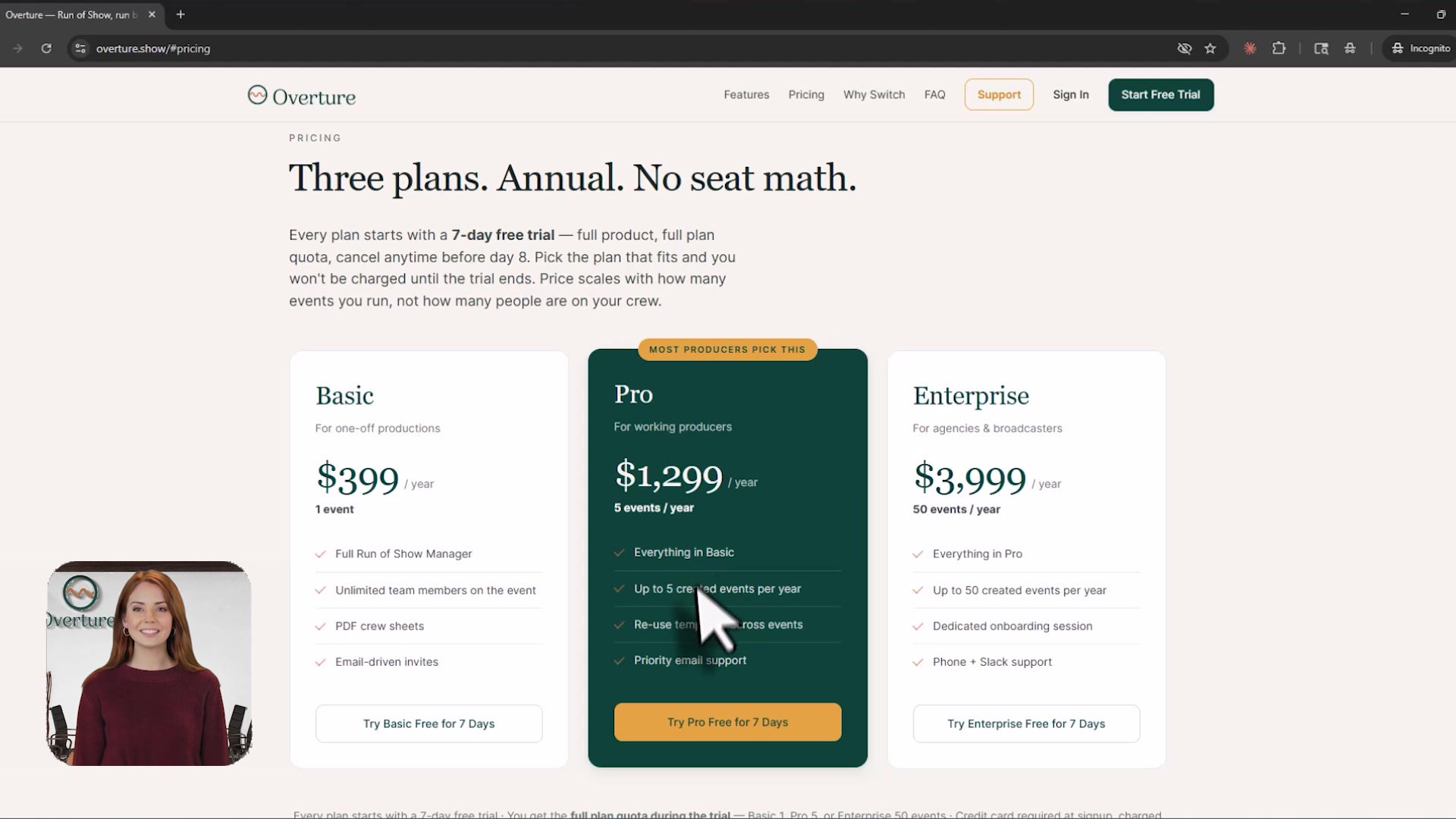
Pricing
Overture Event Pass: $49 once for one event. No subscription, no expiry. Buy additional passes for additional shows. Bring your whole crew with no per-seat charges.
One pass for each show
One event. No time limit. No subscription. Pay once and use it when your show happens, whether that is next week or next year.
One-time charge. Stripe collects your email at checkout, and we set up your account after payment.
Why teams switch
Specific, opinionated, and built from the spreadsheets that almost ruined our weekends.
Move anything, push anything, and locked anchor times don’t drift. The show calls itself.
One URL, one source of truth. Everyone sees what you see — including the typo you fixed three minutes ago.
Crew sheets are landscape, paginated, and time-stamped. The 10:00 doors open with paper in hand.
See an issue on row 47? Flag it, it surfaces on the follow-up tab. No sticky notes, no ‘whose mic was it?’
Same client, same venue, new dates? Clone the run of show, retime the anchors, and you’re 80% of the way to a finished rundown before lunch.
Drop your client’s logo, render a PDF that looks like their agency made it. They’ll think you hired a designer.
Type and width are designed for the FOH table at arm’s reach. Pages don’t compress, columns don’t shrink.
Owner, Producer, Crew, Viewer. The producer edits, the crew checks the rundown, the client watches read-only — nobody overwrites somebody else’s call.
Drag to reorder, insert anywhere, delete anything — the time math reflows automatically. No formula columns to repair, no broken references to chase.
Three names with credentials? Fits. One person with a 200-word bio? Still fits. The design absorbs it.
They get a link, they sign in, they’re editing. No license activations, no IT tickets.
Read-only role. Your AVP can show their CMO the run of show. The CMO cannot ‘fix’ anything.
Real-time sync. Your stage manager moves a cue in the wings; you see it at the production table in under a second. Presence dots show who else is in the run of show with you.
No per-seat math, no ‘who has the file open’. Per-event pricing means the whole team gets in for free.
Who changed what, when, with one click. Useful for ‘why is doors at 9:15 now?’ — not performance reviews.
Your senior trained on Excel for years. The new hire trains on Overture by lunch. Less hand-holding, fewer mistakes.
Per-event credits. Use them when you have a show. Don’t pay when you don’t.
Open in any browser, print on any printer. The lighting director’s 2015 ThinkPad will be fine.
One-click crew sheets and run-of-show pages export as clean, branded PDFs. Hand a copy to anyone who still likes paper.
Built and run by event producers. Not a ‘we’ve received your ticket’ bot. Replies usually inside the day.
Forty-seven edits in fifteen minutes, all autosaved, all undoable. No file corruption, no crash on Ctrl+S.
Switch organizations, switch events, switch tabs. The mental load doesn’t multiply with the workload.
Hosting an event in Dallas from your couch in Seattle? Times stay anchored to the venue. Always.
Notes, links, references — they live with the segment, not in a separate doc you’ll lose by Tuesday.
The hardest part of an event becomes 20 minutes on Sunday afternoon. Your weekend comes back.
Still on Excel? Get Started · $49.
FAQ
No. Overture is a purpose-built run-of-show editor — drag-and-drop rows, automatic time math, tabbed sessions per day, follow-up flags, and PDF crew sheets. The only thing it shares with Excel is the muscle memory you walked in with.
One conference, summit, kickoff, or production. Multi-day shows count as one event. A pass is consumed when you create an event; deleting the event does not restore the pass.
Pay $49 once for one event, with no subscription or expiry. The pass is used when you create the event. Buy additional passes for additional shows, and invite your whole crew with no per-seat charges.
Yes — every plan includes unlimited team members per event. Invite by email; they sign in and see the same source of truth. There is no per-seat charge.
Yes. If you have a launch code, partner code, or industry rate, drop it in at Stripe Checkout. The price updates before you pay.
No. Overture has beautiful print capabilities with several layout options — but the real magic is the Showtime button above any session. Click it and BAM: you’re ready to run the show from a computer, an iPad, or a phone. Pause, jump back, advance segments — full control in your hands. No more clipboards and flashlights in a dark room. Showtime ships with a built-in dark mode that makes seeing and working with Overture in low light a breeze.
Yes — three of them. Click the Sun, Monitor, or Moon icons in the top toolbar to switch between Light, Grey, and Dark. Your choice is remembered per browser. Here’s the same run-of-show in each mode:


For a full tour of every toolbar icon, see What every toolbar icon does.
Overture is built by working corporate event producers, in collaboration with Digital Face Media. We make this because we needed it. The roadmap is shaped by producers who run general sessions for a living.
One event. $49 once. No subscription or time limit.
Get Started · $49